Compatible with Chrome and Edge
Instruction Guide
We have a simple tutorial guide which explains the features of the software extension and what each button inside the extension does. Read our tutorial and welcome guide on how to use the extension to the fullest. Use all the features of this browser software.
If you are interested in other web extensions to install, you might wish to check out the Microsoft Bing Search with Rewards extension.
Microsoft Bing Search with Rewards Extension
It allows you to complete daily offers to get points.
Track the number of points you have currently and the rewards you can redeem with these points.
The ways to get points & get rewarded is search with Bing, browse with Microsoft Edge and shop at the Microsoft and Windows stores to earn rewards.
Sponsored Link:
Other useful extensions
Another extension which would be useful to install is the iCloud bookmarks extension.
It allows to keep your Chrome bookmarks on Windows synced up with the Safari bookmarks on your iPhone, iPad, and Mac.
iCloud will store your website bookmarks so it is accessible even on your iPhone and Mac.
Try these other two extensions and see if it will boost your daily productivity.
- Your edited audio files can be saved onto your desktop computer.
- Edit Audio Files for free
- Save your edited audio files to Google Drive.
Features:
Install and open.
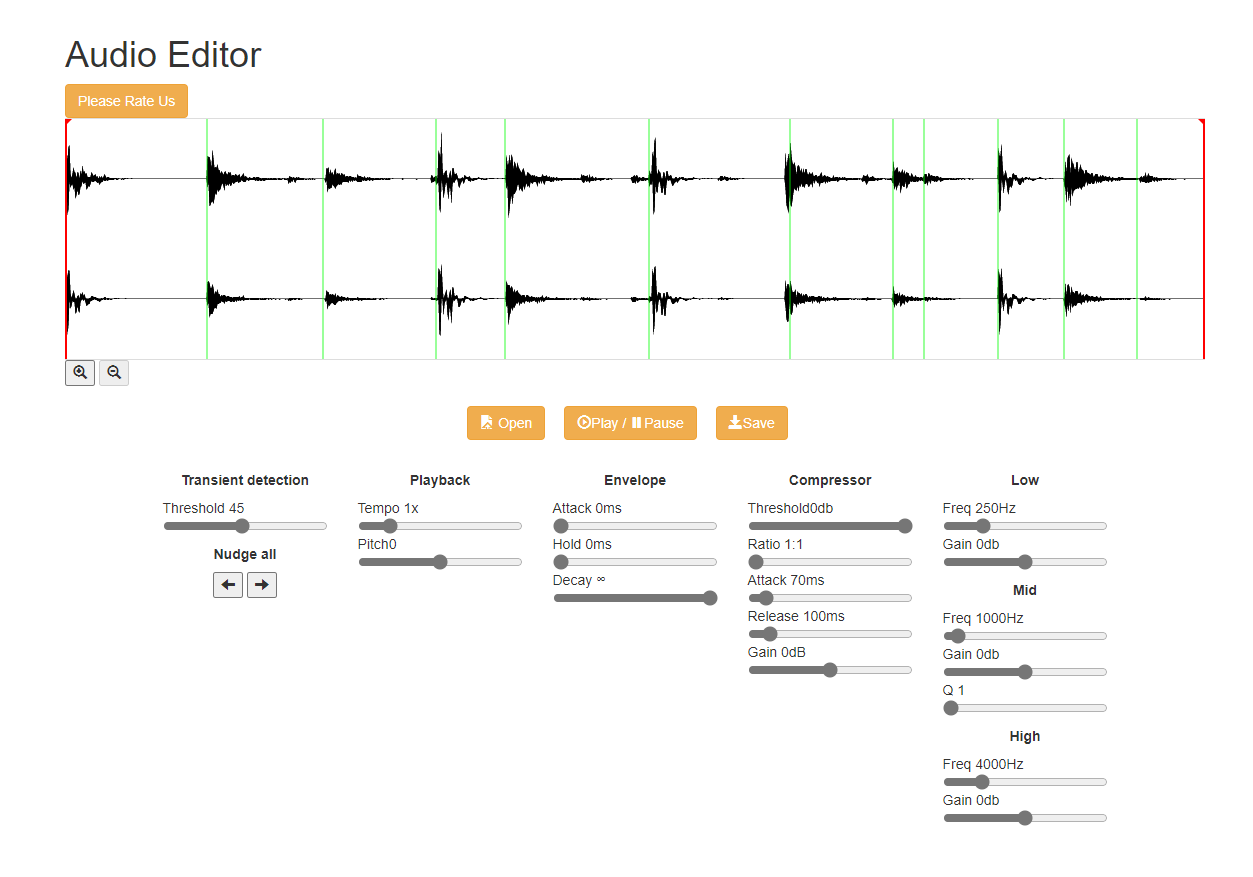
- After installing the extension. You click on the extension icon to begin editing your audio files.
Audio editors are the most important tools in audio production. With the help of an audio editor software, you can perform various tasks such as cutting and trimming, noise removal, editing and mixing, adding effects and creating voiceovers.
You can use an audio editor for a variety of purposes like mixing music tracks, enhancing voiceovers, recording live performances etc. The most common uses of an audio editor software include:
Removing background noise from recordings
Adding effects to enhance the quality of your recordings
Creating voiceovers and narrations by adding background music or sound effects
Cutting unwanted parts from your recordings
If you are interested in using desktop audio editor software, check out some of the options below.
Audacity. It's free, open-source, cross-platform and available for Windows, Mac OS X and Linux. Audacity can record live audio via a microphone or mixer, or digitize recordings from other media. You can cut and paste audio segments, change their speed or pitch without altering their tempo, loop selected sections in playback and much more. Audacity also supports LADSPA, VST and Audio Unit effect plug-ins.
Adobe Audition (formerly Cool Edit Pro). This is a professional-level digital audio workstation that offers multiple editing features including multitrack editing and real-time processing capabilities with hundreds of effects to choose from like EQs, compressors and reverbs among others. It also lets you edit video files using the same tools as you would for audio files so you can create awesome mashups! Like Audacity, it's free though you'll need Adobe Premiere Pro CC (see below) to export your projects into formats that can be played on devices such as smartphones or tablets.
GarageBand (Mac). If you have an Apple Macintosh computer then Apple's GarageBand application is a great choice for creating music
Tutorial:
- Install the Extension
- After installing the extension, click on the icon on the toolbar.
Sponsored Link: